Invoicing App For Your iPhone
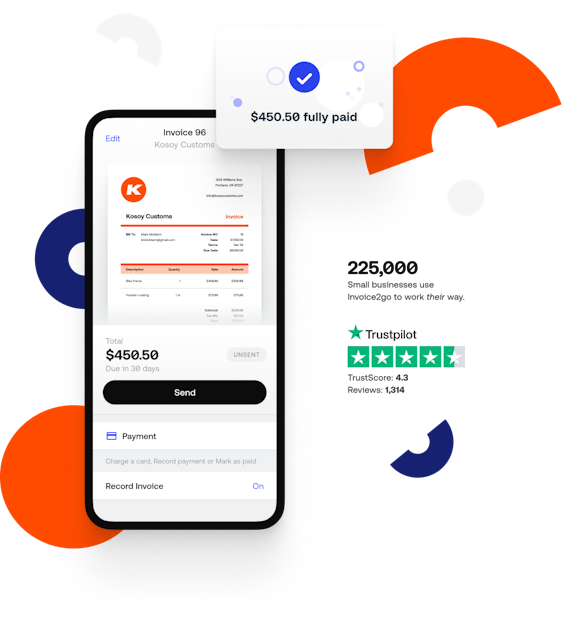
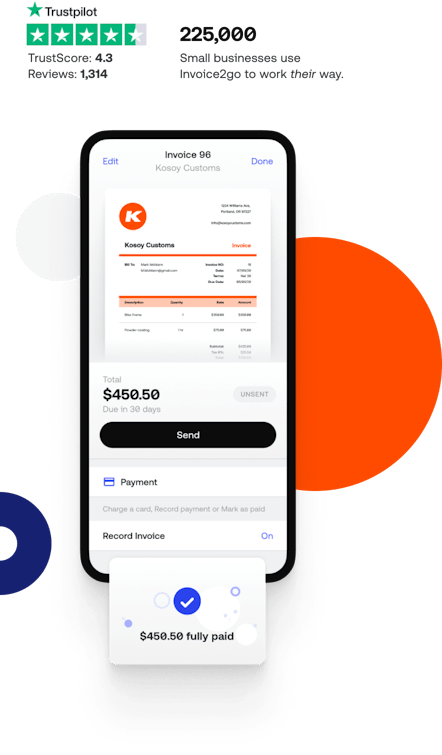
If you're a small business owner or a freelancer, who wants to send invoices and estimates while you're on the job, well now there's an app for that! Invoice2go for the iPhone is an invoice app that allows you to easily design, manage and send estimates and invoices on the go. Invoice2go’s easy to use iPhone invoicing software is ideal for small business and freelancers. The intuitive interface allows you to produce invoices in just a minute wherever you may be. Choosing a small business invoice app has never been easier, and with a lite edition available for free download, you can try before you buy.
Introduction Video - Watch this
Watch the Invoice2go video for a tutorial on how our iPhone invoice App can help you.
How do I get it?
To get Invoice2go on your iPhone, iPad or iPod touch - search for "Invoice2go" in the App Store on your device or go to Invoice2go in the App Store.
Learn more
|
Look professionalInvoice2go provides you with a range of professional invoice styles to choose from. Simply flick through the styles and choose one you like. You can even upload a fully customized invoice style if you want to. |
|
Brand your businessHelp your clients to remember you by including a logo on your invoice. You can download your logo from the Internet, your PC or your iPhone or iPod touch’s photo albums. Don’t have a logo? Invoice2go provides you with a multitude of stock icons for a wide range of business types for an easy way to produce a professional look and feel for your invoice in just minutes. Once you’ve chosen your logo simply position and resize to suit. |
|
|
|
Stay organisedFolders allow you to easily organise your invoices and estimates. Sort your invoices into paid and unpaid folders. You can also separate your estimates, purchase orders and credit memos to make keeping track of your documents simple. |
|
Easy to useSimply tap “New” to create a new invoice, estimate, purchase order or credit memo. Invoice2go’s easy to use system will automatically file your documents in accordance with your selections, making them easy to find later on. |
|
Makes life easyTaxes and totals are automatically calculated for you. So there's no extra work. Just add your invoice items and Invoice2go does the rest. |
|
What you see, is what you get
Preview lets you see what your client will see when they receive the invoice or estimate.
|
|
Get paid fasterSimply tap email, to send your invoice to clients instantly and get paid faster. Alternatively you can email the invoice to yourself and print it out. |
|
Each to their ownEvery business is different, which is why Invoice2go gives you lot's of options. Turn on and off invoice details to suit the needs of your business. These are just a few of the many ways that Invoice2go can be tailored to suit your business. |
|
PayPal - Built right in
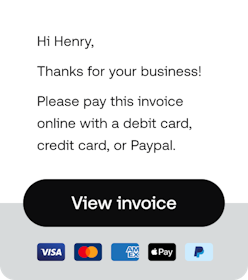
You want to be paid as soon as possible, and to achieve this you need to make it as easy as possible for your clients to pay you. By adding a PayPal button to your invoices your customers can pay you instantly with just a few mouse clicks.
|
|
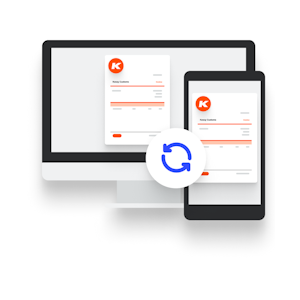
Syncing without ThinkingInvoice2go is almost ready to release new syncing functionality. Invoices and estimates created on your iPhone, iPod Touch or iPad will be automatically synced with your desktop version of Invoice2go. For more information on syncing click here. |